Testing a Video Concept Before You Book the Shoot
Summary: The discussion highlights the challenges small marketing and creator teams face when testing campaign concepts in motion, as opposed to static mockups. It suggests a workflow involving a multimodal generator tool like the MiniMax H3 AI Video Generator to create quick draft clips from text, image, and audio, enabling teams to assess pacing before full production. This approach helps address pacing issues and avoid committing budgets to untested concepts, providing a useful sketching tool rather than a finished product solution. The importance of distinguishing concept tests from final cuts and using licensed assets is emphasized.
When the mockup isn't enough
Most campaign ideas start the same way: a script, a moodboard, maybe a rough storyboard. That's usually enough to get budget approval for a photo shoot, but it rarely settles the harder question — does this concept actually work in motion? A static frame can look great and still fall flat once it's moving at the wrong pace, or once a tagline card appears a beat too early.
Small marketing and creator teams feel this tension often. They can produce a concept quickly, but turning it into even a rough moving version usually means waiting on an editor's calendar or a freelancer's availability. By the time a first cut exists, the campaign window has sometimes already shifted, or spend has been committed based on a concept that was never actually tested in motion.
A workflow for testing before committing
The fix isn't to skip production planning — it's to add a cheap, fast checkpoint before the expensive part starts. A rough version of that checkpoint looks like this:
Write a short text description of the beat you're testing (for example: "product held up to camera, quick cut to logo, tagline card holds for two seconds").
Gather one or two reference images — a product photo, a brand color card, maybe a screenshot of prior creative.
If you already have a voice line, music bed, or rough audio, keep it on hand as a reference too.
Feed those references into a tool built to combine text, image, and audio inputs into a short draft clip.
Watch the clip at real speed, not as a flipbook of stills, and note exactly where the pacing feels off.
Adjust one input at a time — swap an image, tighten a phrase in the prompt — and regenerate before looping in a production partner.
This is the step where a multimodal generator becomes useful as a sketching tool rather than a finished-asset machine. According to the product page for the MiniMax H3 AI Video Generator, it accepts text, images, video, and audio references together, with controls aimed at marketing, design, and gaming workflows — which lines up with the kind of quick pacing test described above, rather than a full production pipeline.
Walking through a short campaign test
Say a small team is preparing a 15-second launch teaser and can't agree on pacing: does the product reveal happen at second two or second five? Instead of debating it on paper, they write two short text descriptions reflecting each pacing idea, attach the same product photos to both, and generate a draft clip for each. The team reviews both clips together — not as final footage, but as a motion sketch — and picks the pacing that actually holds attention before briefing their production vendor.
According to the product page, clips generated this way run up to 15 seconds each, with a combined limit across a short session. That's a tight window, but it's enough to test one beat or one transition at a time, which is usually the level of detail that matters most in an early pacing debate.
What to check before trusting the draft
Before treating any generated clip as evidence that a concept works, a few checks are worth building into the review step:
Confirm the reference images and audio used are ones the team actually has rights to use, since a draft clip built from placeholder assets can create confusion later about what's approved.
Make clear to stakeholders that what they're watching is a concept test, not a finished deliverable — draft clips won't have the color grading, sound design, or polish of a real production pass.
Watch the clip on the device your audience will actually use, since pacing that feels fine on a desktop preview can feel rushed or slow on a phone screen.
Note where the draft breaks down — awkward transitions, mismatched audio timing — since those are often the exact spots that need the most attention from an actual editor later.
This kind of workflow shortens the gap between having an idea and seeing it move, but it doesn't replace the judgment calls that come with real production. It answers "is this pacing worth pursuing," not "is this the final cut." Teams that treat it as a sketch tool, and keep that distinction clear internally, tend to get more value from it than teams that try to skip the production conversation entirely.
For teams that keep hitting the same wall — a concept that reads well on paper but has never been seen in motion — it's worth trying this kind of draft-and-review step before the next round of creative approvals. Tools built for combining text, image, and audio references into short clips, such as the MiniMax H3 AI Video Generator, are worth testing against your own reference material to see whether the workflow fits how your team already reviews ideas.
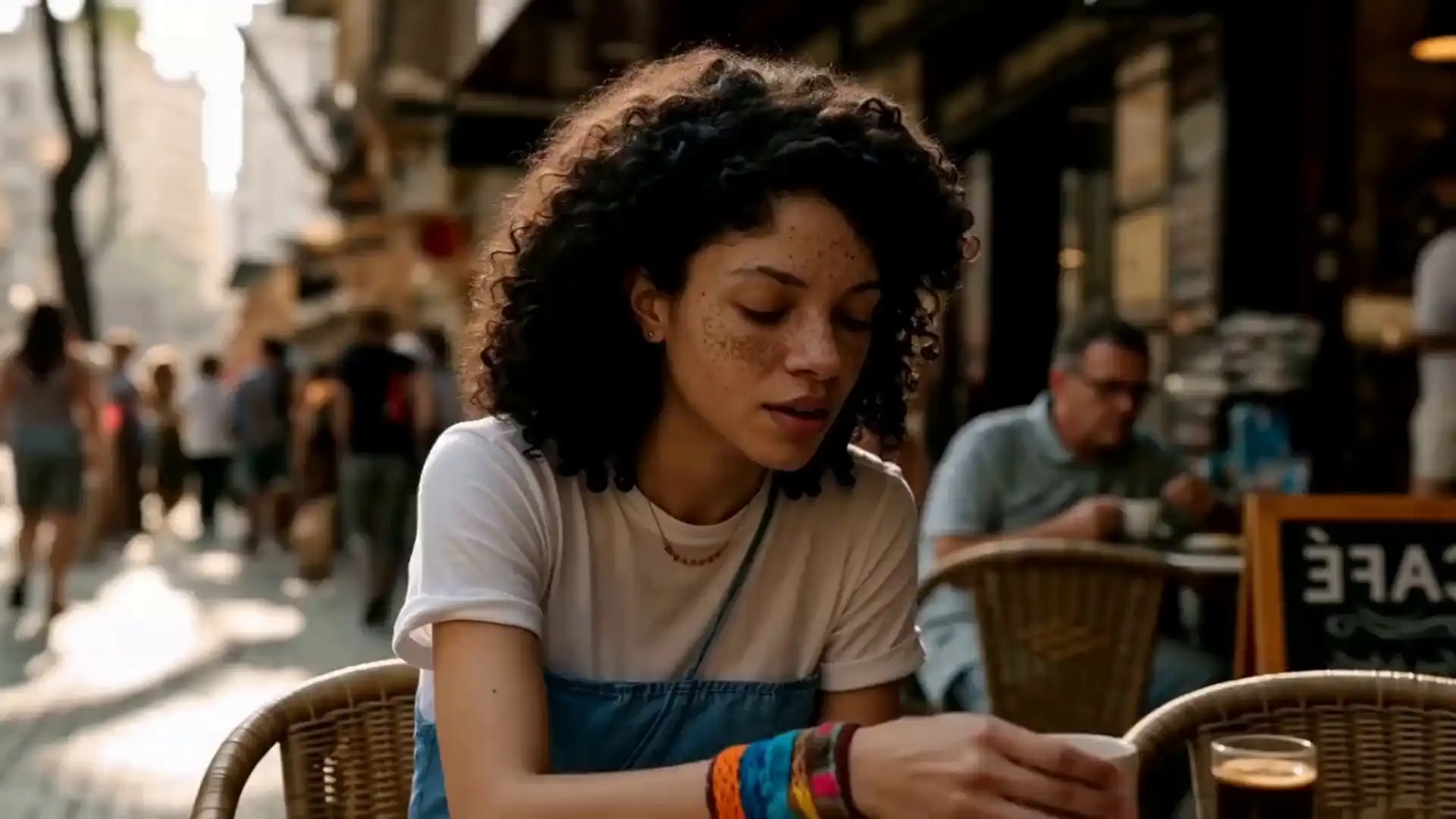
MiniMax H3 AI Video Generator official website homepage showing the product interface and primary workflow

.png?_a=BAVMn6Gg0)