The Hidden Version Problem in Short AI Video Drafts
Summary: Thomas ZX discusses challenges teams face when using AI tools to generate short video drafts, highlighting issues with tracking changes across multiple versions. They emphasize the importance of treating a motion brief like a technical spec, maintaining a changelog to track modifications and ensure review focuses on specific alterations. This approach helps prevent confusion and inefficiencies in the revision process. A participant, Alexandra Renée Poelstra, expresses interest in the MiniMax platform mentioned.
When a Ten-Second Clip Has Five Different Histories
A product marketer asks for a short video teaser. The first draft comes back close but not quite right — the camera pushes in too fast, or the product sits in frame a beat too long. She asks for a revision. Someone else on the team, without seeing the original request, asks for a different revision at the same time. Two days later there are four versions of a ten-second clip, and nobody can say with confidence what changed between version two and version three, or why version four exists at all.
This is a familiar failure mode for teams using AI tools to generate short video drafts from prompts, reference frames, or short clips. The output is fast to produce, which is exactly why it becomes hard to track. When a document changes, people expect to see a diff. When a code branch changes, there's a commit log. When a video draft changes because someone tweaked a motion instruction or swapped a reference image, there is usually nothing — just a new file that looks similar enough to the last one that reviewers start guessing instead of checking.
Treating the Motion Brief Like a Spec, Not a Mood
The fix isn't a new tool feature — it's a habit borrowed from anyone who has managed change requests in a technical project. A motion brief, meaning the specific instructions given to an AI video generator about camera movement, pacing, subject action, and visual style, deserves the same discipline as a written spec. That means writing it down before generating anything, and updating it as a record rather than editing it silently in your head.
A workable version of this looks like a short changelog kept alongside the project, even something as plain as a shared doc or a few lines in a project channel:
v1: static frame, product centered, slow zoom in over 8 seconds
v2: changed to a slow pan left, added a reference clip for lighting tone
v3: shortened to 6 seconds, removed pan, kept lighting reference
This isn't overhead for its own sake. It answers the exact question that stalls review cycles: what did we actually change, and did it fix the thing we were unhappy with, or did it introduce something new. Without that record, teams tend to relitigate the whole draft every time instead of evaluating a single change.
A Small Team's Iteration Loop
Consider a three-person team — a founder, a designer, and a contractor handling video — working on a short explainer clip for a product launch. They start with a script line and a couple of reference images showing the product's packaging and color palette. According to the product page, MiniMax H3 AI Video Generator supports building short video drafts from text prompts along with starting frames and reference media, which lets a team specify not just what should appear on screen but how the camera and motion should behave.
In practice, that means the founder can write the initial brief — subject, setting, desired camera behavior — and generate a first draft. When the designer asks for a change, instead of just saying "try again but better," the team logs the specific instruction that changed: camera angle, pacing, or which reference frame was swapped in. Each new draft gets compared against that specific change, not against a vague sense of "does this feel right." The tool produces the variation; the team supplies the discipline that makes the variation legible.
What a Review Step Actually Catches
A review step only works if it's tied to a specific change, not the whole clip. If the brief said "slow the pan and extend the hold on the product shot," the review question is narrow: did the pan slow down, and did the hold extend. That's answerable in under a minute. If the review question is "does this version look good," it invites open-ended debate that has nothing to do with what was actually requested, and drafts start drifting away from the original goal because everyone is reacting to the whole clip instead of the one thing that changed.
This also surfaces a real limitation worth naming: no video generation tool tracks a changelog for you. The brief history has to live somewhere the team actually checks — a doc, a ticket, a shared note — or the discipline collapses back into guesswork after the second or third revision, which is usually where it breaks down in practice.
For teams already iterating on short video drafts and finding that revisions blur together, the first improvement is rarely a new tool. It's a one-line habit: write the brief down before generating, note what changed before generating again. Tools like MiniMax H3 AI Video Generator can turn a written brief and reference media into a quick draft to react to — but the review discipline that keeps five drafts from becoming an unreadable mess is a habit the team has to build on its own.
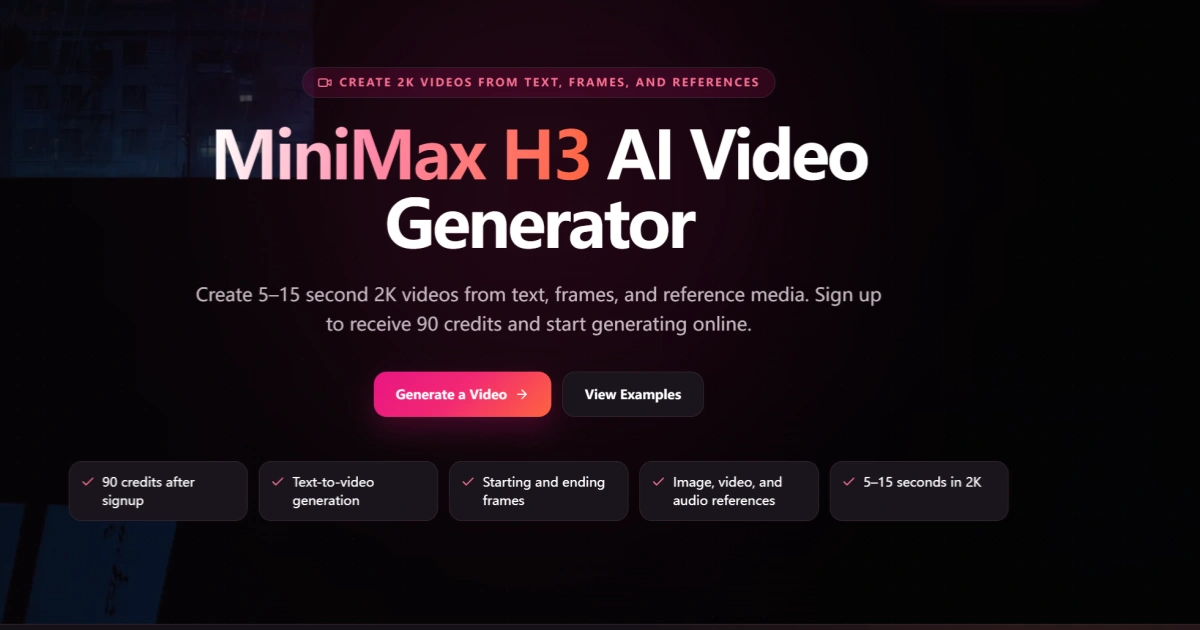
MiniMax H3 AI Video Generator official website homepage showing the product interface and primary workflow






Alexandra Renée Poelstra
·2 months agoI've heard some good things about MiniMax. How do you like the platform?