Why AI-Generated Shots Stop Matching Each Other (And How to Fix It Before You Generate)
Summary: Wendy Xu addresses the common issue of continuity errors in AI-generated video sequences where elements like clothing, lighting, and objects change unexpectedly between clips. They suggest a 'continuity contract' to plan constants in shot planning, ensuring consistency across sequences. This involves defining aspects such as appearance, lighting, and framing in advance, then using these constants across all video prompts. Tools like the Flux 3 Video Generator can aid in maintaining continuity by allowing images and references to anchor prompts, minimizing runtime discrepancies. The author emphasizes that this method saves time and maintains quality by preventing the need for extensive re-editing.
When One Shot Doesn't Match the Next
Anyone who has tried to string together more than two or three AI-generated video clips has hit the same wall: the character's jacket changes color, the lighting flips from warm to cold, or the product on the table suddenly looks like a different product. Each shot, taken alone, looks fine. Placed next to the one before it, the sequence falls apart.
This is not a rendering bug. It is a planning gap. Most people prompt shot by shot, treating each clip as an independent creative decision. But a sequence — a campaign teaser, a demo walkthrough, a short narrative ad — is judged as a whole. Viewers notice discontinuity even when they can't name what changed. For creators and marketers who need clips to sit together in a timeline, this is the difference between something that looks intentional and something that looks assembled in a hurry.
Writing a Continuity Contract Before You Generate
The fix that has worked reliably in practice is treating shot planning like a lightweight contract, agreed on before any generation happens. Before writing prompts, define the constants that must hold across every shot in the sequence:
The subject's appearance (clothing, hairstyle, distinguishing props)
The environment's lighting direction and color temperature
Camera framing logic — is this a wide shot followed by a close-up, or a continuous push-in?
Any object that recurs (a product, a sign, a screen) and how it should look consistently
Once these constants are written down, even in a short bullet list, they become the reference every subsequent prompt is checked against. This is not a technical constraint imposed by a tool — it's a discipline the creator imposes on themselves, the same way a director keeps a continuity sheet on a physical set. The contract doesn't guarantee perfect consistency, but it turns a vague feeling of "something's off" into a specific checklist you can act on.
Applying the Contract to a Campaign Sequence
Consider a three-shot product teaser: an establishing shot of a workspace, a close-up on a hand holding the product, and a final shot of the product on a table with a logo card. Without a continuity contract, each shot might get prompted separately with fresh descriptive language, and small wording differences compound into visible drift — the table changes color, the hand's skin tone shifts, the logo card gets rendered differently each time.
With the contract in place, the workflow changes. The same reference language for lighting and object description carries across all three prompts. Where possible, a reference image is reused rather than re-described from scratch, since re-describing invites new interpretation each time. This is where image-to-video generation becomes useful as a supporting method rather than a novelty: starting from a fixed visual anchor gives the model less room to reinterpret the scene between shots. According to the product page, the Flux 3 Video Generator supports turning images and creative references into video clips alongside text prompts, which fits naturally into this kind of anchored, sequence-based workflow — the reference image acts as the shared constant the contract requires, rather than each shot being generated from a blank prompt.
Reviewing Drift and Closing the Loop
The contract is only useful if someone checks it. Before a sequence goes into a final edit, play the shots back in order, not individually, and look specifically for the items on the checklist: does the subject look like the same person, does the lighting direction hold, does the recurring object stay recognizable. It helps to do this review at low playback speed or frame-by-frame at the cut points, since drift is often most visible exactly where two shots meet.
When something breaks continuity, the fix is rarely a full re-generation. More often it's a targeted re-prompt of the single shot that deviated, using the same reference image or description that anchored the rest of the sequence. This keeps the review step fast and keeps the workflow from turning into trial-and-error across the whole sequence.
For creators and small teams testing AI video for campaigns, demos, or short-form content, this kind of structured continuity check costs a few extra minutes per sequence but saves the far more expensive step of re-cutting an edit because two shots visibly don't belong together. Tools that let you work from a shared image reference, like the Flux 3 Video generator described on its product page, are worth trying specifically for this reason — not because they promise perfect consistency, but because they give the continuity contract something concrete to anchor to. If shot mismatch has been quietly undermining your output, starting with the checklist before the prompt is usually the more durable fix.
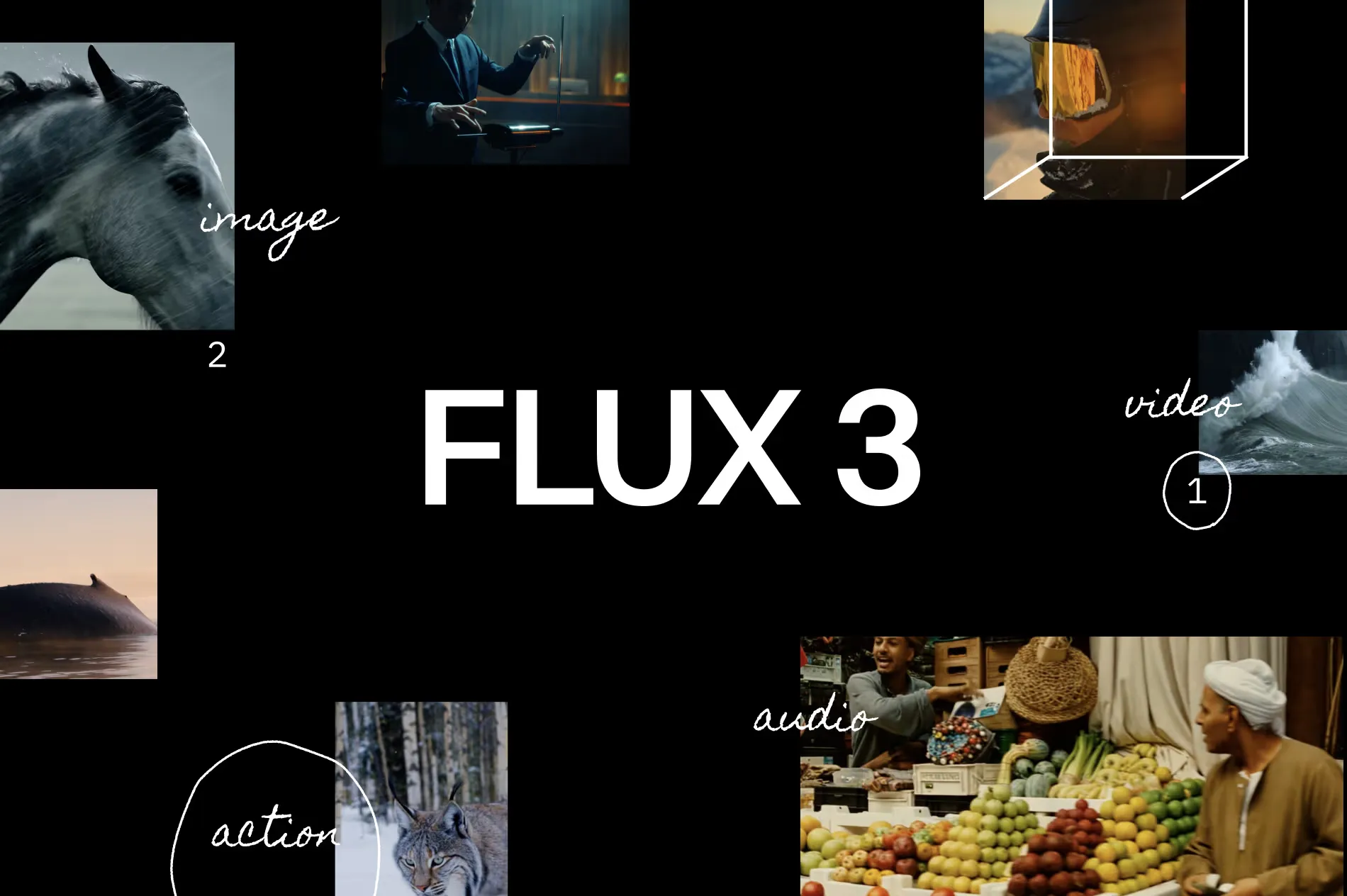
Flux 3 Video official website homepage showing the product interface and primary workflow

.png?_a=BAVMn6Gg0)