Why Prompt Iteration, Not Prompt Perfection, Wins in Short-Form AI Content
Summary: Wendy Xu discusses the importance of prompt iteration in AI-generated creative work, emphasizing that the real bottleneck is the number of iterations that can be tested before a deadline. The piece highlights the value of treating prompts as testable hypotheses and the need for a disciplined approach to testing each variable independently. The writer uses Minimax H3 Max as an example of a tool that facilitates quick testing due to its fast rendering speed. The discussion concludes that the process of iteration, rather than achieving a perfect prompt on the first try, is crucial for effective creative testing under tight deadlines.
The Real Bottleneck Isn't the Prompt, It's the Loop
Most creators and marketers who work with AI video or audio don't fail because they wrote a bad prompt. They fail because they only get to test the prompt once or twice before a deadline forces them to commit. A campaign brief lands on a Tuesday, the client wants three concepts by Thursday, and every render takes long enough that testing five variations feels like a luxury nobody has time for.
This is the quiet tension behind a lot of AI-assisted creative work: the tools promise speed, but the actual bottleneck is how many iterations you can run before you have to pick one and move on. A single well-crafted prompt rarely survives first contact with a real brief. What survives is a process — write, generate, watch, adjust, generate again — repeated enough times that you understand what the model actually does with your wording, not what you assumed it would do.
Treating Prompts as Testable Hypotheses
The shift that helps here is small but important: stop treating a prompt as a finished instruction and start treating it as a hypothesis you're testing. You're not asking "is this the right prompt," you're asking "what does this specific phrasing produce, and what does that tell me about the next version."
A practical version of this workflow looks like this:
Write a short, literal description of the scene, sound, and pacing you want — no more than two sentences.
Generate a short clip and watch it once without pausing, the way an audience would.
Note exactly one thing that's off — timing, tone, a sound cue, a visual detail — rather than rewriting the whole prompt.
Adjust only that element in the next version.
Repeat until the clip matches the intent closely enough to build on, not until it's flawless.
The discipline is in step three. Teams that try to fix everything at once end up with prompts that are longer and vaguer with each pass, which usually makes results less predictable, not more. Isolating one variable per iteration is slower per step but faster overall, because you can actually tell what changed.
This is also where render speed starts to matter less as a feature and more as a constraint on the method itself. If each test takes minutes, you naturally batch changes together to save time, which muddies the feedback. If each test takes seconds, you can afford to isolate variables properly.
A Concrete Use Case: Testing a Campaign Concept Before It's Real
Say a product team wants to test whether a short teaser clip works better with a synchronized sound cue tied to a specific visual beat, or with ambient sound that just plays underneath. That's not a question you can answer by discussing it in a meeting. You have to see and hear both versions side by side.
According to the product page, Minimax H3 Max is built around exactly this pairing — it generates short video clips with sound returned alongside the picture rather than as a separate step, producing 5 to 15 second clips at 768p. The product page also states that a 5-second clip renders in under three seconds, which changes the economics of testing: instead of picking one sound direction and hoping, a team can generate both versions, watch them back to back, and make a decision based on what they actually observed rather than what they predicted.
The use case isn't "make a video." It's "answer a specific creative question quickly enough that the answer still matters when you get it." A podcaster testing how an intro line lands with different pacing, or a marketer testing whether a product demo needs a voiceover or just synced sound effects, both benefit from the same structure: a fast enough loop that the test itself doesn't become the bottleneck.
The Review Step People Skip
The part of this process that gets rushed most often is the review step — actually sitting with the output before deciding whether to iterate again or move on. It's tempting to generate a batch of variations and skim them quickly, but skimming defeats the purpose. A five-second clip deserves five seconds of undistracted attention, watched the way a viewer would encounter it, not scrubbed through like a file to be checked off.
A useful habit is to ask three questions after each generation: Does this match the specific thing I was testing? Is there one clear change I'd make next? Would I be comfortable showing this to the person who requested it, even as a rough draft? If the answer to the third question is no, that's the signal to iterate again rather than stop.
Where This Leaves Teams Working Under Deadline
Prompt iteration isn't a workaround for bad tools — it's simply how creative testing works when the cost of trying something is low enough to make trying worthwhile. The value isn't in generating one perfect result on the first attempt. It's in being able to ask a specific question, get a specific answer, and use that answer to ask a better question next time.
For teams evaluating whether a fast test-and-review loop fits their workflow, it's worth looking at the tool directly rather than taking a feature list at face value: Minimax H3 Max.
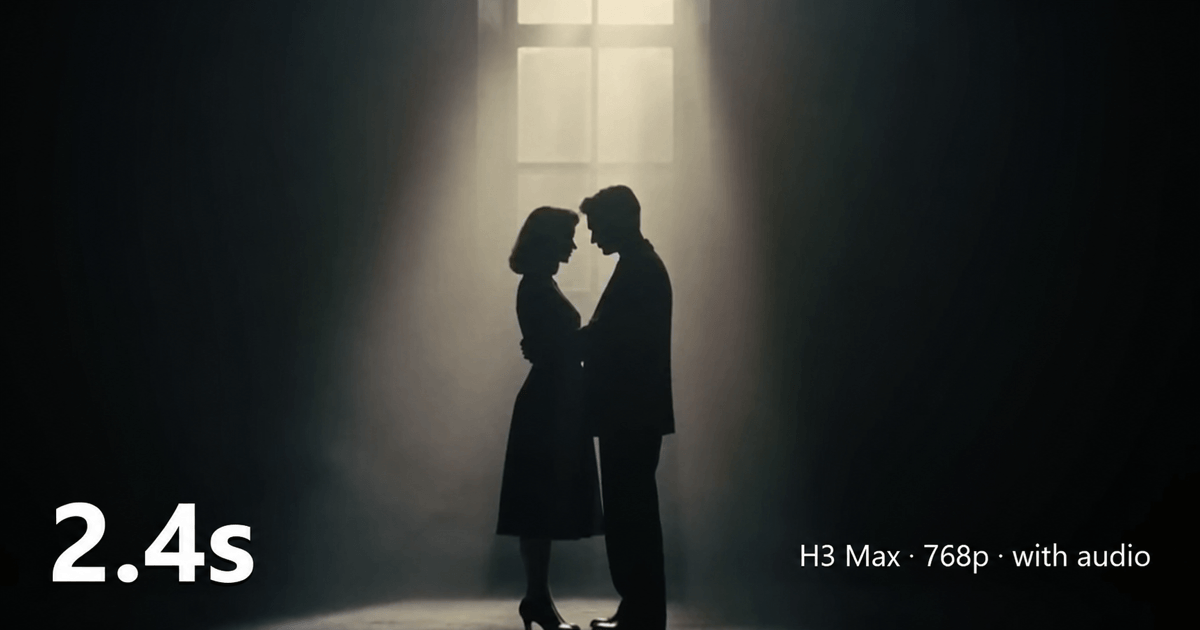
Minimax H3 Max official website homepage showing the product interface and primary workflow

.png?_a=BAVMn6Gg0)