Why Multi-Speaker TikTok Clips Break Most Caption Workflows
Summary: Wendy Xu discusses the challenges of relying solely on platform-generated captions for reviewing multi-speaker TikTok clips. They highlight that auto-captions often misrepresent who is speaking, overlook filler words, and struggle with overlapping speech, making them unsuitable for detailed review tasks. Instead, they suggest a transcript-first workflow, using tools like the TikTok Transcript Generator to produce readable text versions of audio for more efficient analysis and error detection. The focus is on applying this approach to tasks requiring precise content audits or script documentation, especially in cases of overlapping or indistinct dialogue.
Why Multi-Speaker TikTok Clips Break Most Caption WorkflowsWhy Multi-Speaker TikTok Clips Break Most Caption Workflows
Anyone who has reviewed a batch of TikTok clips for a brand recap, a research project, or a content archive knows the moment things fall apart: two people start talking over each other, a background voice cuts in, and the auto-captions turn into a wall of half-right guesses. Tools like the Tiktok Transcript Generator exist for exactly this gap — turning the spoken audio into text that can actually be read, searched, and checked against the video, separate from whatever captions the platform generated on its own.
The problem with trusting captions alone
Platform-generated captions are built for glanceable viewing, not for review work. They're timed to the video, which is useful, but they often smooth over who said what, drop filler words that matter for tone analysis, or misread accents and overlapping speech. If your job involves pulling quotes for a script, checking what a creator actually claimed in a sponsored post, or logging dialogue for a content audit, captions alone leave you guessing. You end up scrubbing back and forth through the clip, pausing every few seconds, trying to catch a line you half-heard. That's slow, and it doesn't scale past a handful of videos.
The root issue isn't that captions are bad — it's that they're optimized for a different job than review. Review work needs a flat, readable text version of the audio that you can scan top to bottom, independent of playback speed or video length.
A transcript-first workflow for review
A more workable approach separates the two tasks: let the captions handle on-screen viewing, and generate a separate transcript for the actual review pass. According to the product page, TikTok Transcript turns a video's speech into text that you can read on its own, which changes the review sequence in a practical way:
Pull the transcript for the clip before doing anything else.
Read it once straight through, the way you'd read a short script, without touching the video.
Mark lines that need verification — unclear speaker attribution, a claim that sounds off, a word that could be misheard.
Go back to the video only for those marked lines, using timestamps or rough position in the transcript to jump to the right moment.
This flips the usual habit of scrubbing through video first and taking notes second. Instead, the text comes first, and the video becomes a verification tool rather than the primary source you're parsing in real time.
Use case: reviewing speaker turns in a multi-voice clip
Consider a common case: a duet or stitched video where two creators trade lines, plus a third voice from background audio or a reaction clip. Watching this once rarely tells you cleanly who said what, especially if the pacing is fast. With a transcript in hand, you can read the exchange as a block of dialogue, which makes it much easier to spot where one speaker's line was attributed to the wrong person, or where a phrase got cut short because the auto-captions missed an overlap.
This matters for anyone building a script summary, logging quotes for a research note, or checking a creator's exact wording before quoting them elsewhere. The transcript gives you a stable document to mark up — highlight, comment, copy sections into a notes file — instead of a video timeline that resets every time you want to double-check a line.
The review step that actually catches errors
The part of this workflow that does the real work isn't the transcript generation itself — it's the deliberate review pass afterward. Treat the raw transcript as a first draft, not a final record. Read it against the video for at least the sections you've flagged, paying attention to:
Lines attributed to the wrong speaker in overlapping dialogue
Words that sound plausible but don't match what's said on screen
Missing reactions or interjections that got folded into the nearest full sentence
This step takes a few minutes per clip, but it's what separates a usable transcript from one that just moves the guessing problem from video to text. Skipping it defeats the purpose of generating a transcript in the first place.
Where this fits and where it doesn't
This workflow is built for review-heavy tasks — content audits, script pulls, research logging — not for live captioning or real-time editing. If you're reviewing a handful of clips with clear single-speaker audio, the gain is small. The value shows up once you're dealing with volume, overlapping speech, or content where exact wording matters enough to double-check.
If your review process keeps running into the same caption-versus-audio mismatch, it's worth testing a transcript-first pass on a few clips before deciding whether it's worth building into a regular habit.
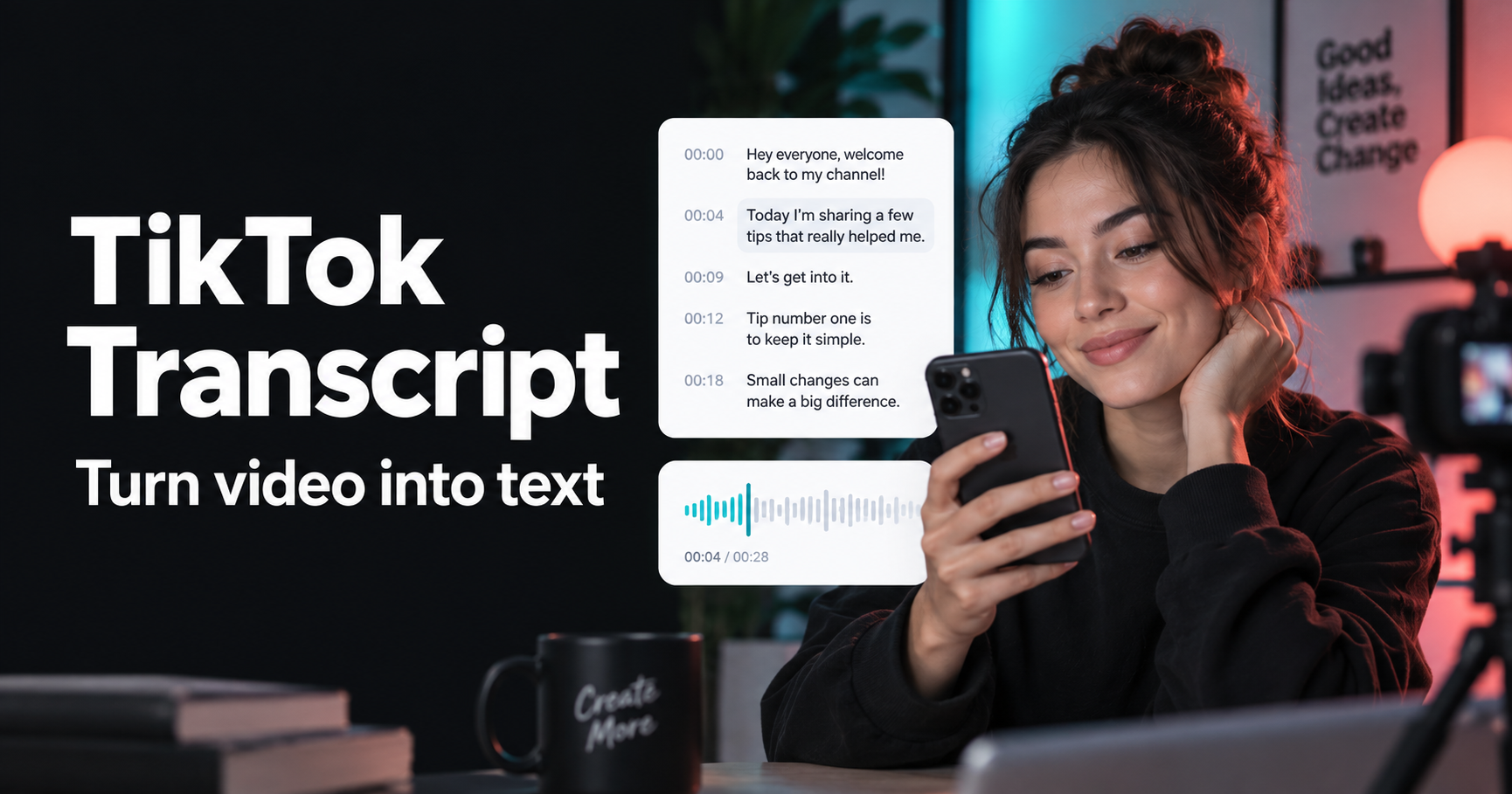
Tiktok Transcript Generator official website homepage showing the product interface and primary workflow

.png?_a=BAVMn6E80)